Why Shopify's Built-in Gift Cards Aren't Enough (And What to Do About It)
Shopify's native gift cards can't send to recipients, schedule delivery, or track emails. See every limitation and how to fix them.
The Gift Card Problem Hiding in Every Shopify Store
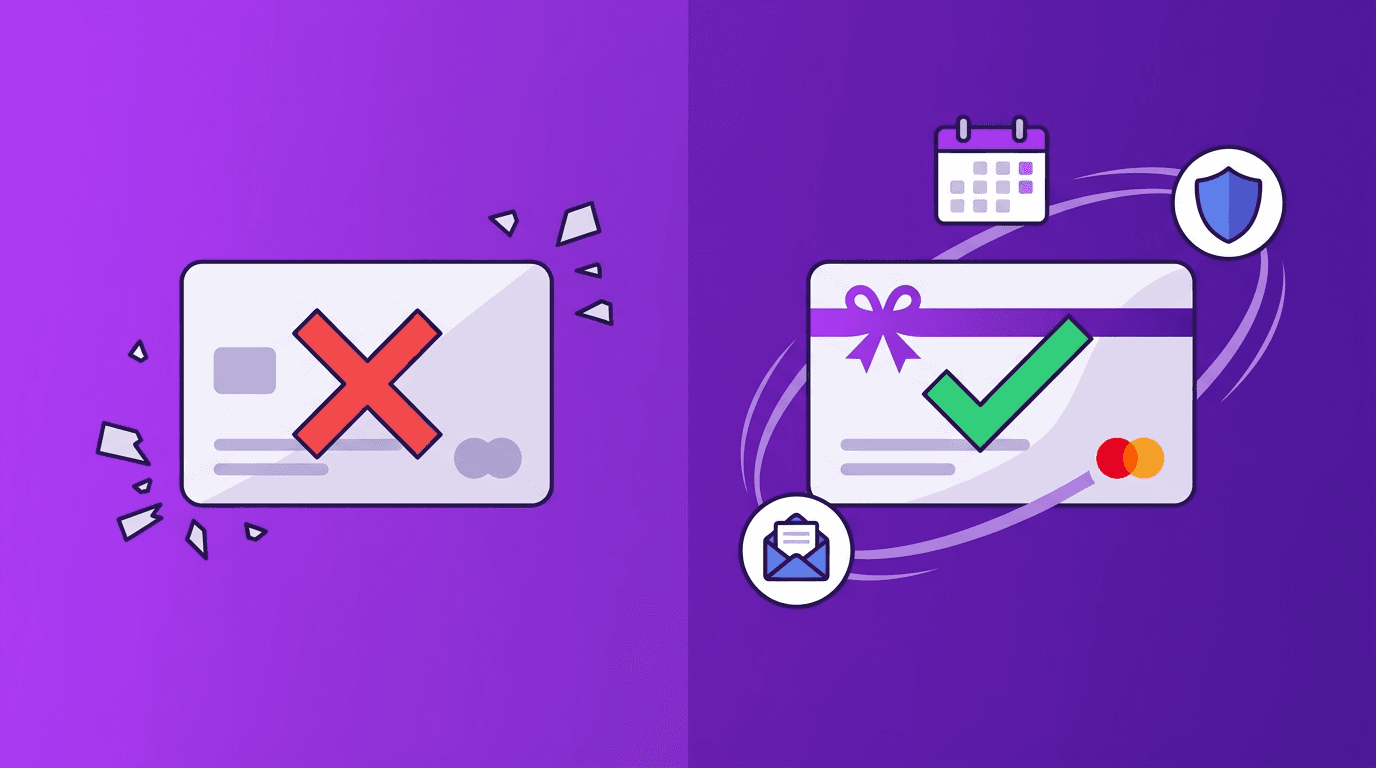
Shopify gift cards are a built-in feature available on every plan. On paper, they sound great: create a gift card product, sell it online, and let customers redeem the balance at checkout. But the moment a customer tries to actually gift that card to someone else, the experience falls apart.
This isn't speculation. Shopify's own Community forums have threads spanning five-plus years with dozens of replies from merchants begging for basic gifting functionality. As one merchant put it: "It is absurd that the buyer of a gift card then receives the gift card themselves!"
If you've been losing gift card sales — or worse, drowning in support tickets from confused customers — this post walks through every native limitation and shows how a dedicated app like GoGiftCards solves each one, starting at just $4.99/mo.
Limitation #1: Gift Cards Go to the Buyer, Not the Recipient
This is the single most frustrating limitation of Shopify's native gift cards. When a customer purchases a gift card, the code is emailed to the purchaser's email address — not the person they're trying to gift it to. The buyer has to manually copy the code and forward it themselves.
Merchants have been vocal about this for years. Another Community forum post reads: "Merchants have been asking for this functionality for years and years." And yet another: "Gift cards are not gift cards if they can't be sent to a recipient other than yourself."
With GoGiftCards, a "Send as a Gift" popup appears right on the product page. The buyer enters the recipient's name, email, a personal greeting, and their own sender name — all captured at checkout. The gift card is delivered directly to the recipient's inbox with a beautifully branded email. No forwarding required.
Limitation #2: No Scheduled Delivery
Native Shopify gift cards are sent immediately upon purchase. There's no way to schedule delivery for a birthday, anniversary, or holiday. Once the notification fires, you can't reschedule or recall it.
This means if a customer buys a gift card on December 15th for a Christmas Day surprise, the recipient sees it ten days early. That kills the entire gifting experience.
GoGiftCards includes a full scheduling engine that runs every 10 minutes. Customers pick a future delivery date at checkout, and the system delivers at 8:00 AM in the recipient's local timezone. Perfect for birthdays, anniversaries, and milestone celebrations — without the merchant lifting a finger.
Limitation #3: Tiny Message Limits and No Sender Name
Shopify's native gift card notification allows a message of just 200 characters. That's barely two sentences. There's also no field for the sender's name, so the recipient gets a card with a generic message and no idea who sent it.
GoGiftCards removes the character ceiling and collects the sender's name alongside the greeting. The result is a personal, meaningful gift — not a mystery code with a truncated note.
Limitation #4: Generic Email from "Your Shopify Store"
The default gift card email comes from Shopify's notification system. It looks like a transactional receipt, not a gift. You can't send it from your own branded domain, and the template customization options are minimal.
GoGiftCards delivers gift cards via branded emails powered by SendGrid. On the Pro plan ($9.99/mo), you can send from your own custom domain — so instead of a generic Shopify notification, your customer receives a polished email from gifts@yourbrand.com. First impressions matter, especially when someone is opening a gift. For more on leveraging gift card emails, see our gift card email marketing guide.
Limitation #5: Zero Fraud Protection for Gift Cards
Gift card fraud is a real and growing problem. Discount code abuse, zero-amount orders, and bulk purchase scams can drain your bottom line. Shopify's native system offers no gift-card-specific fraud detection — you're relying on their general order risk assessment, which isn't tuned for gift card abuse patterns.
GoGiftCards includes a dedicated FraudAnalysisService that merges Shopify's order risk scores with gift-card-specific business rules. It catches discount abuse, blocks zero-amount cards, flags suspicious patterns with tag-based rules, and routes questionable orders to an approval queue. Merchants get real-time alerts so they can act fast. Learn more in our deep dive on gift card fraud prevention for Shopify.
Limitation #6: No Email Tracking
When Shopify sends a gift card notification, that's the last you hear of it. Was it delivered? Did the recipient open it? Did it bounce? You have no idea. If a customer contacts you saying their recipient never got the card, you're flying blind.
GoGiftCards tracks every email event — deliveries, opens, clicks, and bounces — via webhook integrations with SendGrid and Mailgun. All of this data is visible in the gift card manager dashboard, so you can proactively reach out if a delivery fails and confidently tell customers their gift was received.
Limitation #7: No Branded Redemption Experience
When a recipient redeems a native Shopify gift card, there's no dedicated landing page. They just paste a code at checkout. There's no QR code for in-store POS scanning, no visual balance display, and no way to check the remaining balance without starting a checkout.
GoGiftCards provides a branded redemption page for every gift card. It includes a QR code (POS-ready, generated via Endroid), a copy-to-clipboard button for the code, and a real-time balance display. There's also a standalone balance checker page where recipients can search by code or email and see their current balance via live Shopify GraphQL queries. Recipients can even request a resend of their gift card email directly from the balance checker.
Limitation #8: No Bulk Issuance
Need to send 200 gift cards to employees for a company incentive program? Or issue cards in bulk for a loyalty campaign? Shopify's admin lets you create gift cards one at a time. There's no CSV import, no batch issuance, and no automation.
GoGiftCards Pro supports bulk CSV issuance with daily count limits, batch size controls, and per-card maximum values — giving you the guardrails to run large-scale gift card programs without risk.
Limitation #9: English-Only Notification Copy
If your store serves international customers, you've probably noticed that Shopify's gift card notification email is locked to a fixed English template. You can edit the Liquid template manually, but there's no built-in multi-language support for gift card emails.
GoGiftCards supports multi-language configuration per product. Whether your customers speak French, Spanish, German, or Japanese, you can deliver gift cards in their language — from the popup to the email to the redemption page.
Limitation #10: Limited Visibility and No Resend
In the Shopify admin, you can only see the last four characters of a gift card code. You can't resend the notification if it bounced, and you can't edit the recipient after purchase. If something goes wrong, your only option is to void the card and create a new one manually.
GoGiftCards gives you a full gift card manager dashboard with status tracking, filtering by date and status, complete email event history, and the ability to resend delivery emails with one click. You also get BCC options to send a copy to the customer and/or the store owner for every transaction.
Limitation #11: No Custom Amount Entry
Straight from Shopify's own help docs: "A customer can't input a custom amount for a gift card product denomination from your online storefront." You're limited to the fixed denominations you set up. If a customer wants to send exactly $75 but your options are $50 and $100, they're stuck.
A dedicated gift card app removes this restriction, letting customers choose any amount within your configured range — a small UX improvement that can meaningfully increase conversion rates and average order value.
The Bottom Line: Native Isn't Enough
Shopify's built-in gift cards handle the basics — they create a store credit instrument with a code. But they were never designed for the actual gifting experience: sending to a recipient, scheduling delivery, personalizing the message, tracking the email, or providing a beautiful redemption moment.
Many merchants assume fixing this means expensive apps — some competitors charge $19.99/mo or more. GoGiftCards delivers all of the features above starting at just $4.99/mo on the Basic plan, with a 7-day free trial and no credit card required.
If you're ready to turn Shopify gift cards into an actual gifting experience your customers will love, install GoGiftCards from the Shopify App Store and start your free trial today.
Related Articles

Q4 2026 Gift Card Prep: A Shopify Merchant's Pre-Holiday Checklist
A week-by-week checklist to prep your Shopify gift card strategy before Q4 2026: fraud settings, corporate gifting, scheduling, and BFCM readiness.

Gift Card Compliance in 2026: What Every Shopify Merchant Needs to Know
A 2026 guide to US gift card laws: CARD Act rules, state expiration bans, dormancy fees, and escheatment, so your Shopify store stays compliant.

Back-to-School 2026: How Gift Cards Fit Into Retail's Second-Biggest Shopping Season
Back-to-school and college spending hits a record $146.8B in 2026. Here's how Shopify merchants outside school supplies can capture gift card sales.